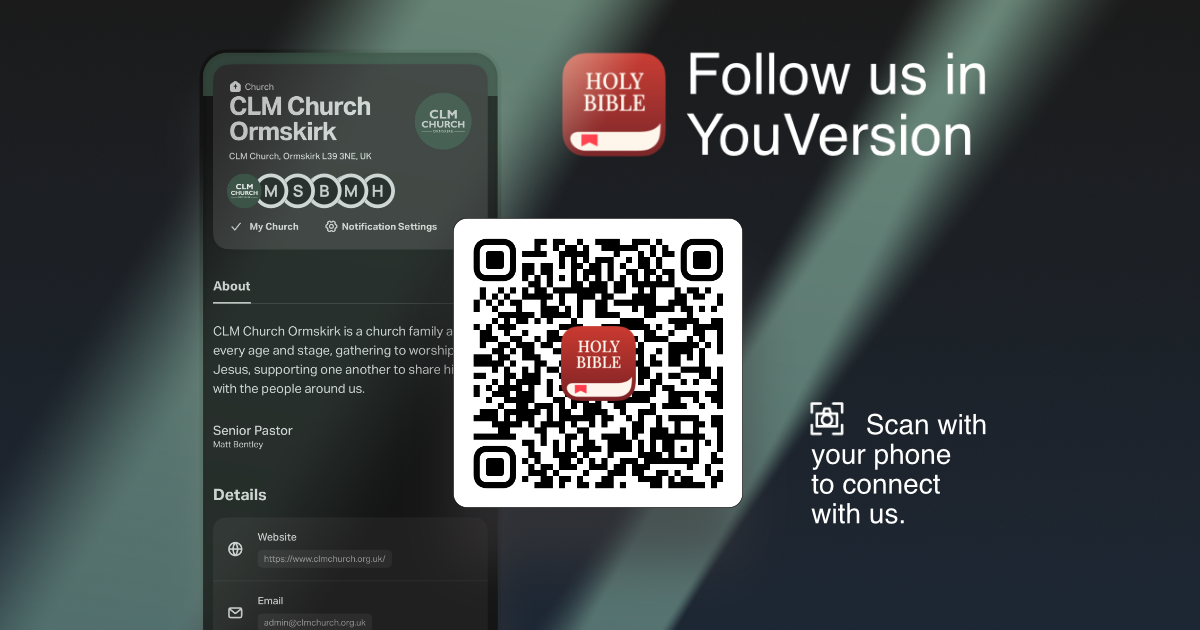
The Bible.
Every day.
Together.
The Bible isn’t just a book we hear about on a Sunday. It’s God’s Word, given to help us know Him, follow Jesus and discover what it means to live as His people.
That’s why we’re excited that CLM Church is on the YouVersion Bible App.
What is YouVersion?
YouVersion makes it easy to read and listen to the Bible wherever you are, explore Bible Plans, save notes and highlights, pray, and discover helpful resources for growing in faith.
By setting CLM Church as your church in the Bible App, you’ll be able to stay connected with our church community beyond Sunday.
Get started
1. Download the YouVersion Bible App
It’s free to download for iPhone and Android.

2. Set CLM Church as your church
Once you’re on the CLM Church profile, tap the ⋯ menu in the top-right corner and select Set As My Church.
YouVersion may then ask who can see which church you attend. Choose the option you’re comfortable with. You can choose Everyone, Friends, or Only Me.
That’s it! You’re now connected to CLM through the YouVersion Bible App.